


Premiere Pro guide · editing
Remove silence in Premiere Pro.
Cutting dead air by hand is the most boring part of a talking-head edit. Here is the built-in way and the faster way, with every cut checked before it happens.
Recent Premiere Pro versions mark pauses in the transcript (Text panel) so you can find and delete them. TextWing's Cut silence listens to the sequence instead: choose Natural, Tight or Fast, review every cut in a list, and it skips cuts that would make the picture jump. It keeps a backup with Undo last cut.
Option 1 · no plugin
Premiere Pro's transcript pauses
In versions with text-based editing:
- Window › Text › Transcript › Transcribe sequence.
- Pauses appear as […] in the transcript. Use the transcript's pause search to select them.
- Delete (extract) the selected pauses from the sequence.
Good for short pieces. You judge each pause by its marker in the text, without seeing which ones are breaths you want to keep or cuts that will jump.
Option 2 · TextWing
Step by step, on the real panel.
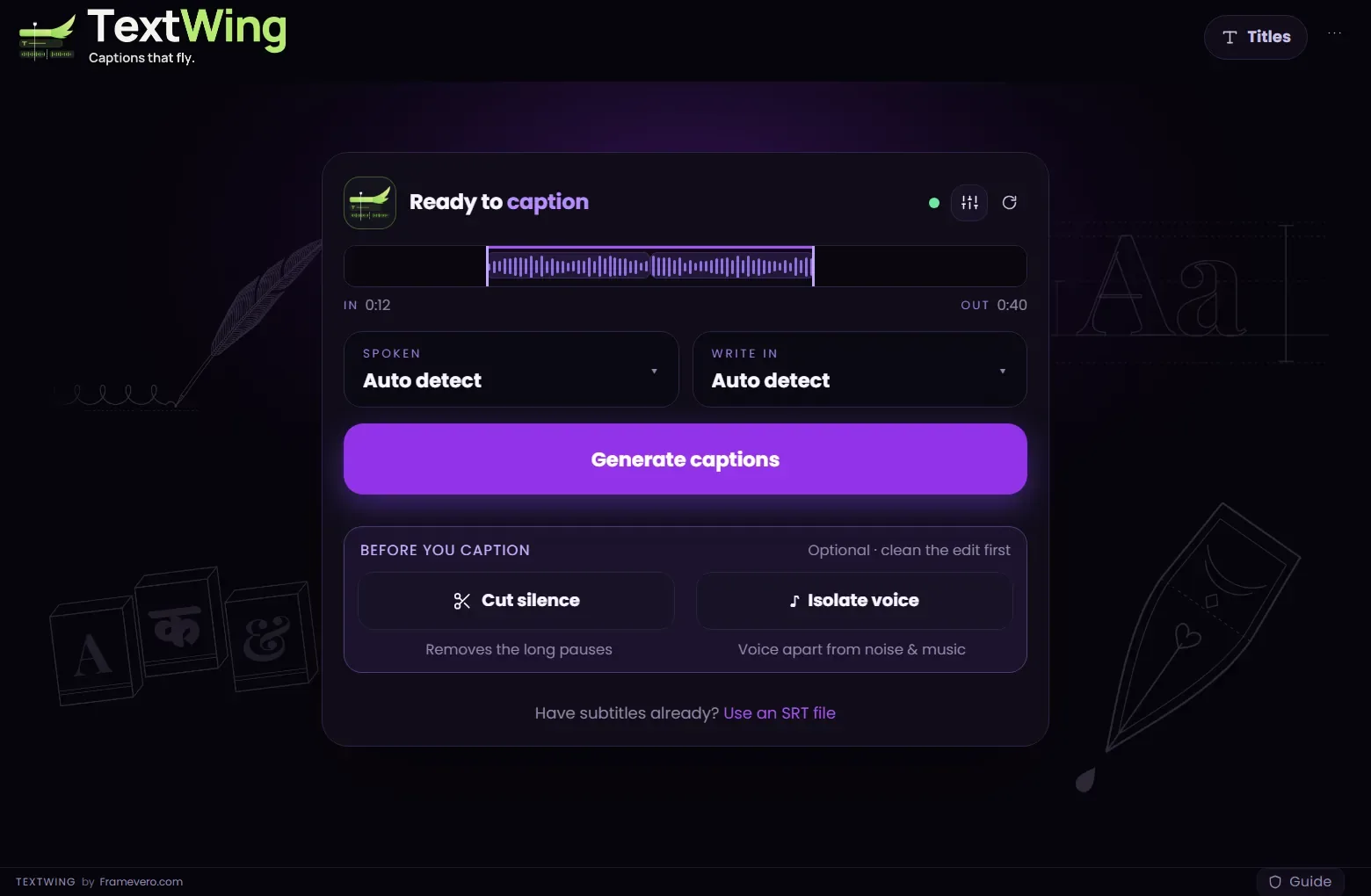
Open Cut silence
On the TextWing start card, press Cut silence (it sits above Generate captions, under “Before you caption”).
Choose how tight
Whole sequence or In to Out. Natural keeps relaxed breaths between sentences, Tight keeps short ones, Fast removes almost all of them. Fine-tune sets the shortest pause to cut.
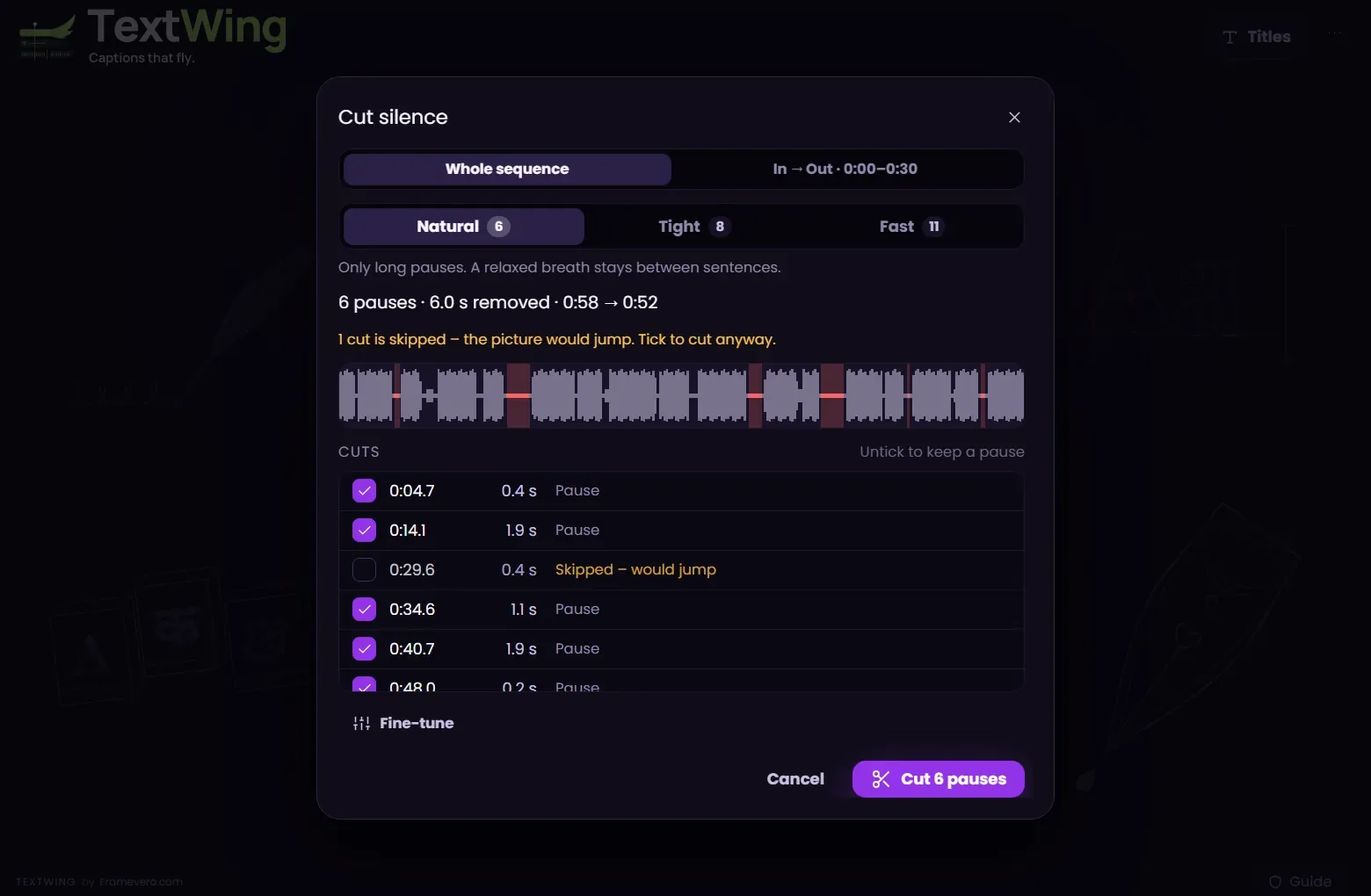
Review every cut
Each pause is listed with its time and length. Untick any you want to keep. A cut that would make the picture jump is skipped and marked; tick it to cut anyway.
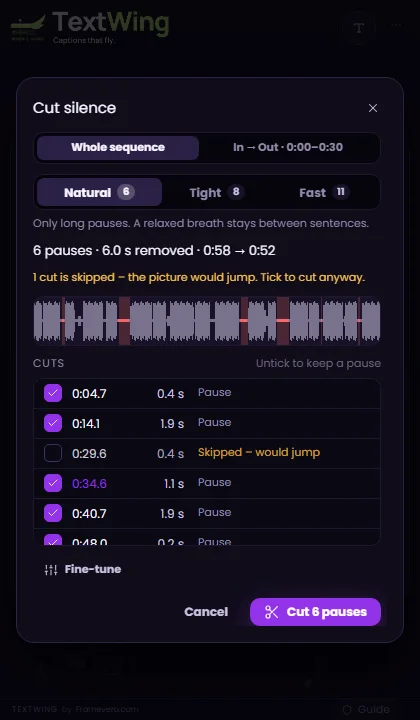
Cut, then caption
Press Cut. TextWing keeps a backup of the sequence; Undo last cut puts it back. Then Generate captions on the tightened edit.

Good to know
Tips from the edit
- Cut silence before you caption, so the captions follow the final cut.
- Tight suits talking heads and tutorials; Natural suits interviews and podcasts.
- Music under the voice? Turn on Isolate voice first so quiet words are not taken for silence.
Questions
Does Cut silence delete my media?
No. It cuts the sequence only. Your source files are untouched and a backup of the sequence is kept.
Can I undo it?
Yes. Open Cut silence again and press Undo last cut.
Will it cut in the middle of a word?
It cuts only long, quiet stretches and keeps a small handle of breath on each side (more with Natural, less with Fast).
More guides
Free trial · Windows
Try it on your own video.
Captions made on your PC, placed as native text layers inside Premiere Pro.
3 minutes of captions · 7 days · 9 looks on your timeline · no card