


Premiere Pro guide · audio
Isolate the voice from the music.
A song under the voice ruins both the mix and the auto captions. Here is how to clean it in Premiere Pro, and how to split voice and music into their own tracks.
Premiere Pro's Enhance Speech (Essential Sound panel, recent versions) cleans noise and room sound from dialogue, but it does not hand you the music as its own track. TextWing's Isolate voice splits the audio into a voice stem and a music stem on your PC, places both on free audio tracks, and uses the clean voice so the captions are right.
Option 1 · no plugin
Premiere Pro's Enhance Speech
In recent versions of Premiere Pro:
- Select the dialogue clip and open Window › Essential Sound.
- Tag it as Dialogue and press Enhance (Enhance Speech).
- Lower the mix amount if the voice starts to sound processed.
It is made for noise and room sound. Music under the voice is reduced with the rest, and you do not get the music back as a separate clip to keep or re-mix.
Option 2 · TextWing
Step by step, on the real panel.
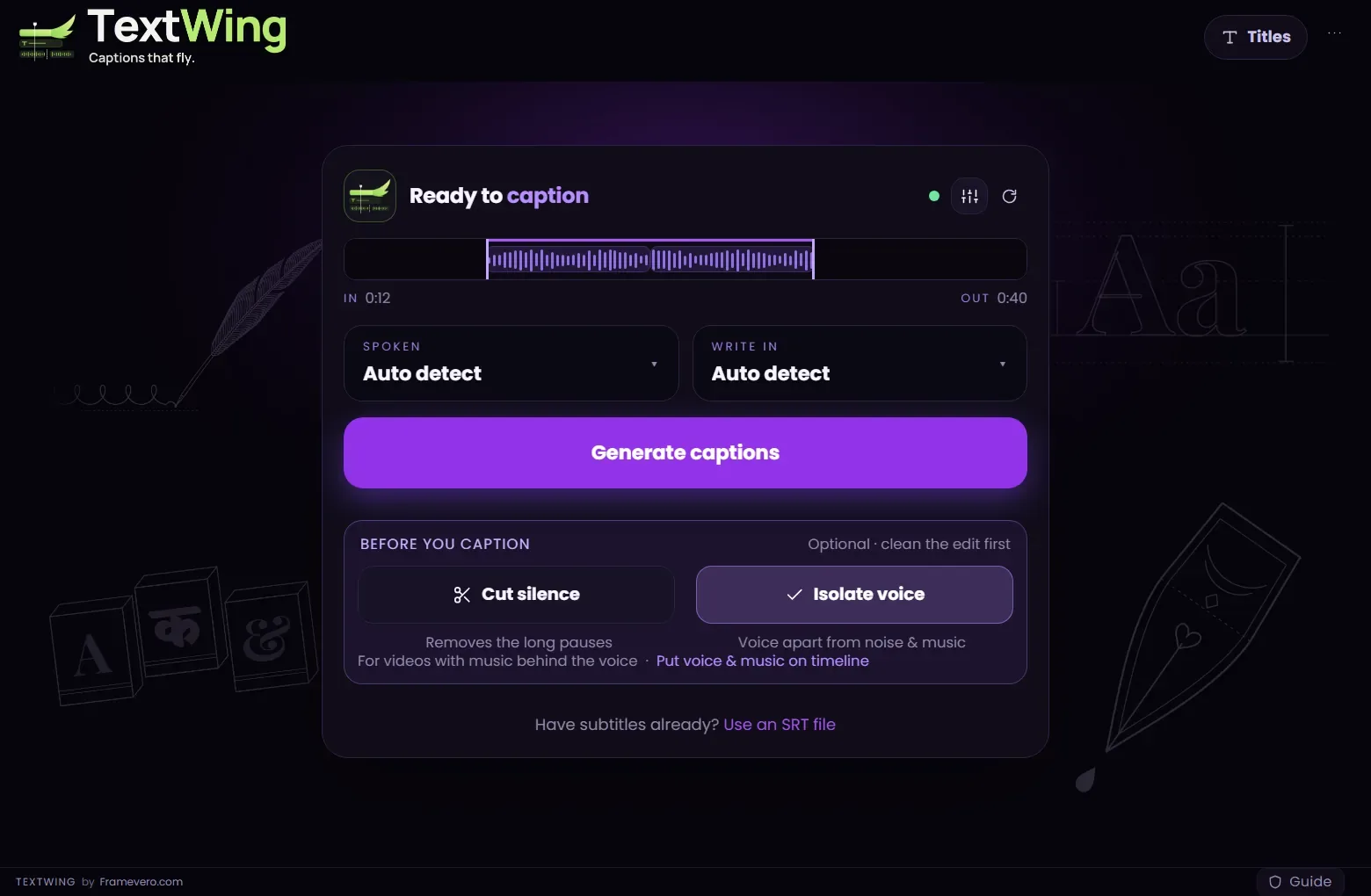
Turn on Isolate voice
On the start card, under “Before you caption”, switch on Isolate voice. If TextWing hears music under the speech it suggests it on its own.
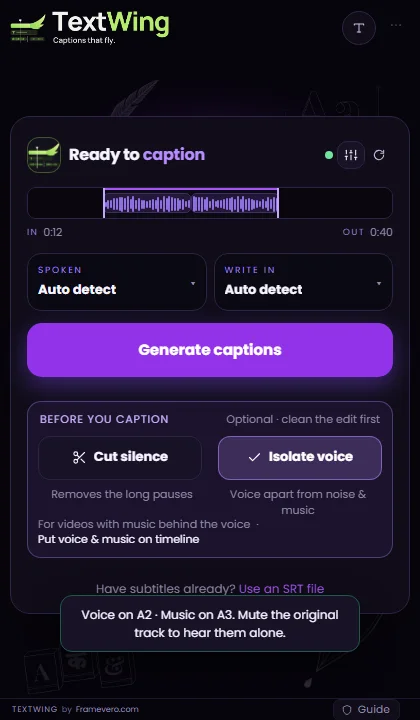
Put voice and music on the timeline
Press “Put voice & music on timeline”. TextWing places a voice stem and a music stem on free audio tracks. Your original audio stays as it was.
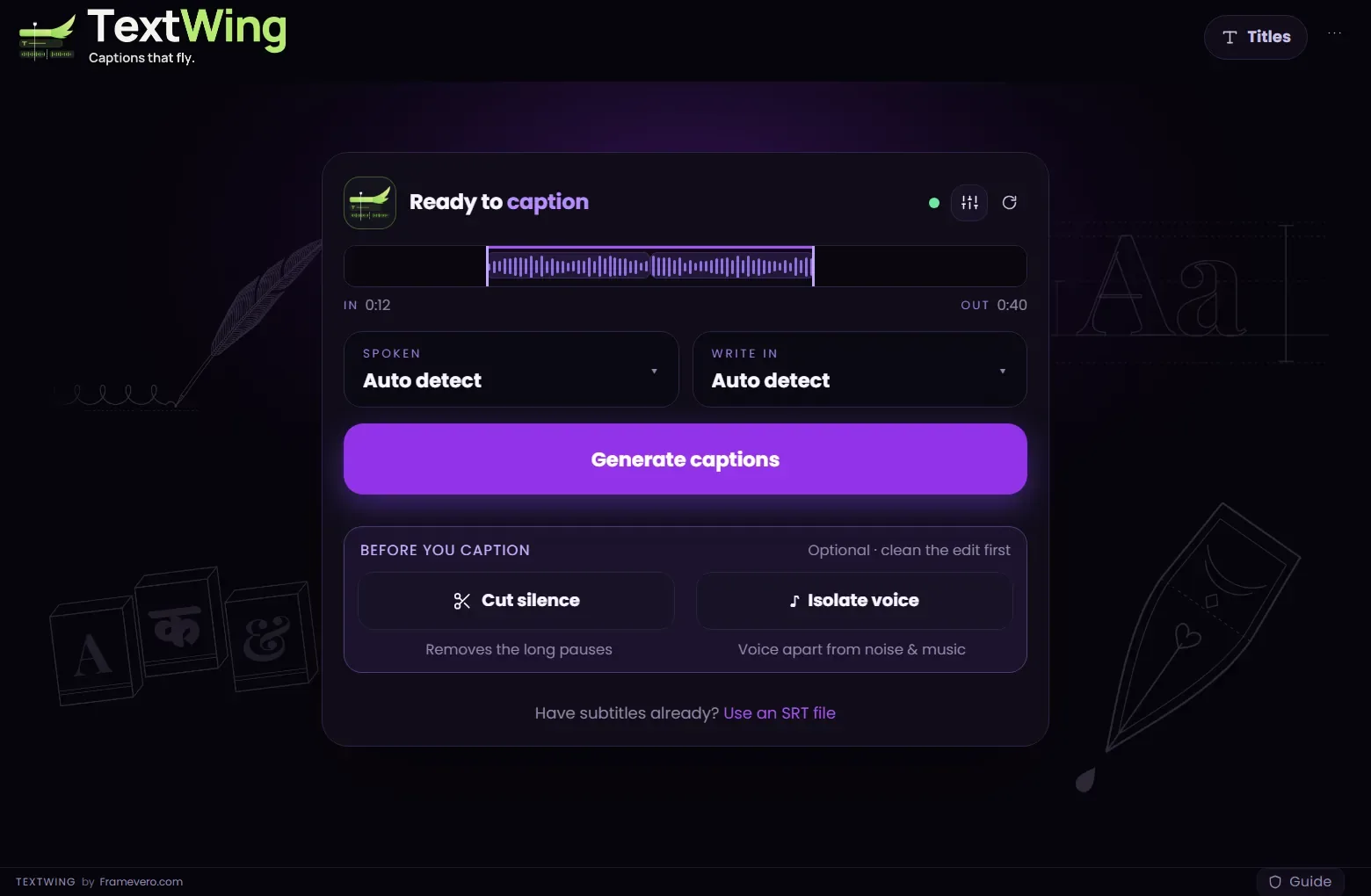
Mute the original, then caption
Mute the original track to hear the stems alone, balance them, then press Generate captions. The captions are made from the clean voice.

Good to know
Tips from the edit
- Isolation runs on your PC. The voice model (64 MB) downloads the first time.
- Use the music stem to duck the song under the voice instead of losing it.
- Isolation helps captions most on songs, lyric videos and street interviews.
Questions
Is my audio uploaded?
No. The separation runs on your own computer.
Does it replace my audio?
No. It adds two new clips on free tracks. The original stays where it was.
Will it be perfect?
On most speech-over-music it is clean. Very loud music or singing in the same range as the voice can leave traces; check by soloing the stem.
More guides
Free trial · Windows
Try it on your own video.
Captions made on your PC, placed as native text layers inside Premiere Pro.
3 minutes of captions · 7 days · 9 looks on your timeline · no card