Edit them like you always do.
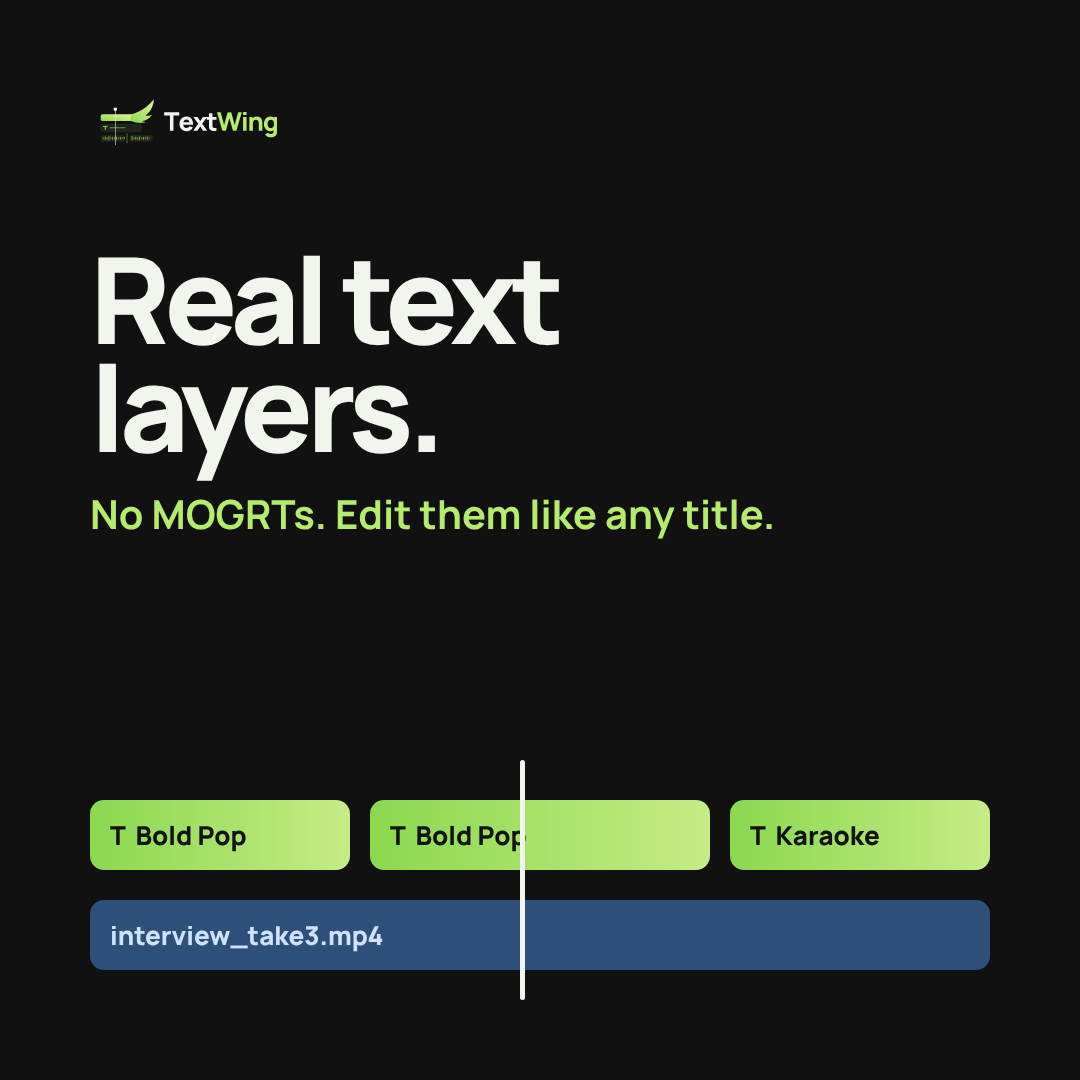
Captions land on your timeline as Premiere Pro text layers, not MOGRTs. Change a word, a colour or a position the normal way.
ANIMATED SUBTITLES FOR PREMIERE PRO
Your voice in. Flying captions out, as real text layers on your Premiere Pro timeline.
00:00:12:04 · SILENCE CUT −3.2s · 300+ LOOKS
WHAT IT DOES
Captions land on your timeline as Premiere Pro text layers, not MOGRTs. Change a word, a colour or a position the normal way.
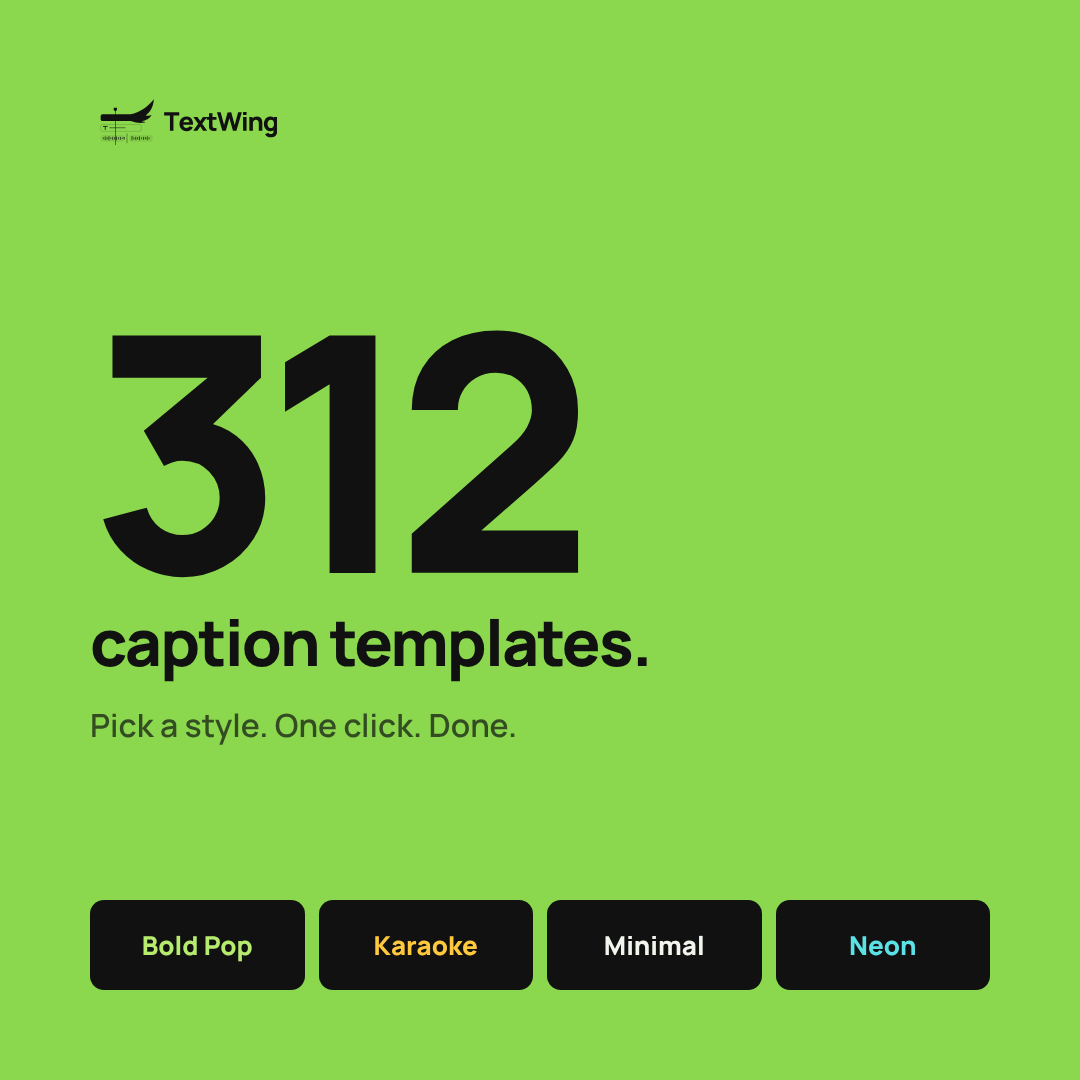
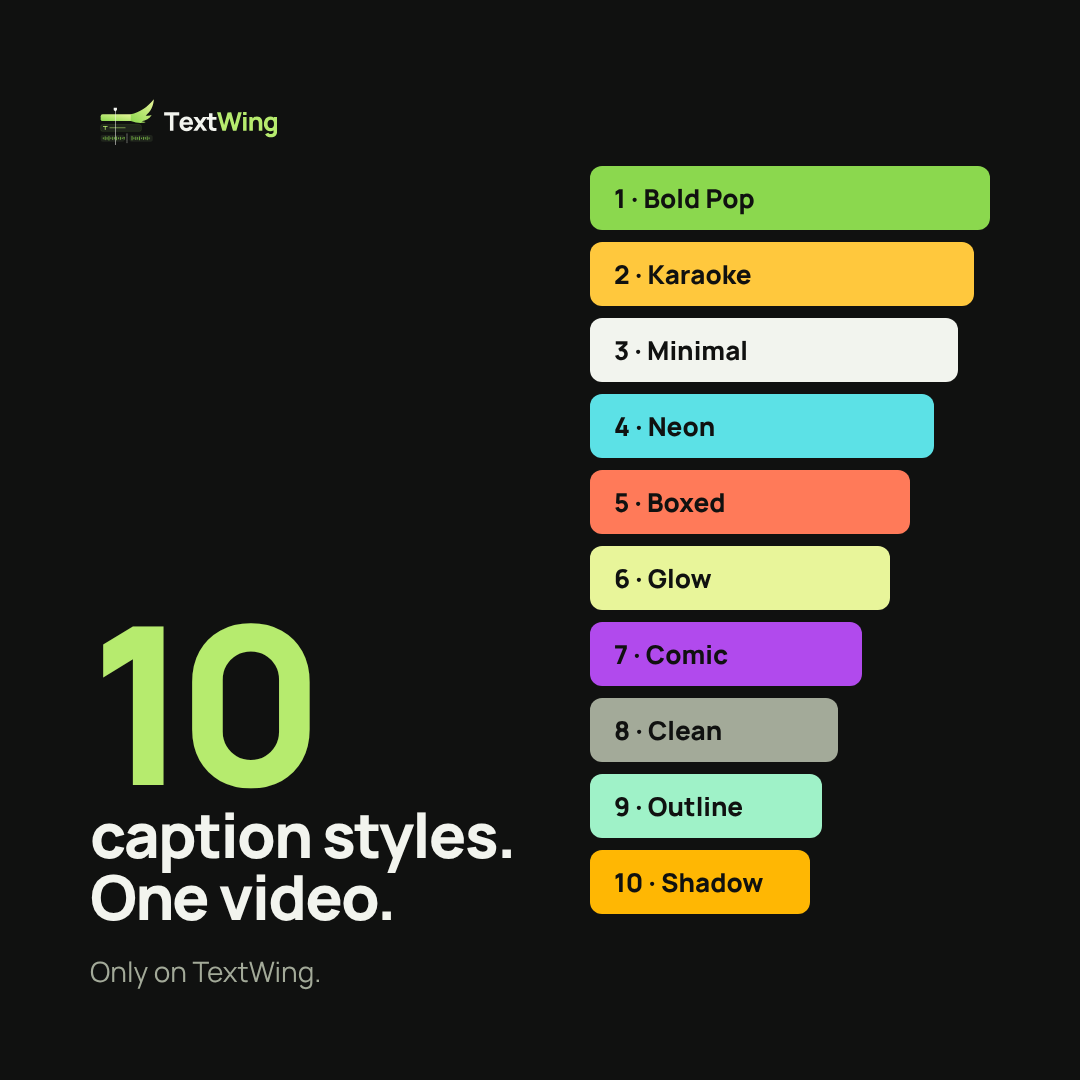
Bold pop, karaoke, minimal, neon and hundreds more. Each look sets font, colour, motion and placement for you.
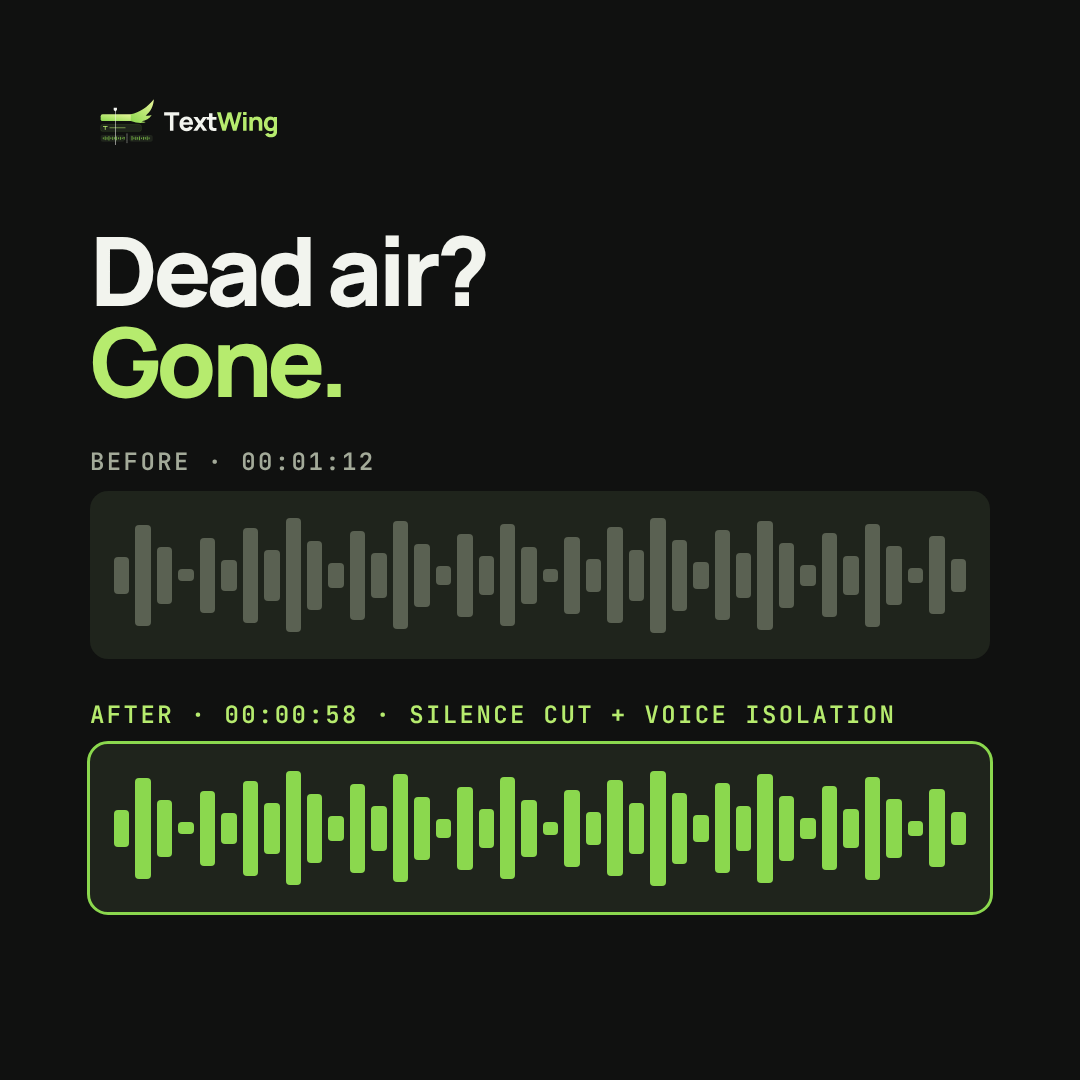
TextWing finds the dead air and cuts it on your sequence, so the edit starts tight.
Pull the voice away from room noise and music, then caption what was said.
Speech recognition runs on your own computer. Nothing is uploaded.
It lives in a Premiere Pro panel, next to your timeline. Works on Windows and macOS.
THE LOOKS
PRICING
QUESTIONS
Yes. Captions are made on your own computer. The licence checks in now and then; a Lifetime key can run 30 days without internet.
A licence key by email and on the thank-you page, plus the download for Windows and Mac. Paste the key in TextWing and you are in.
No. Each is one payment for 30 days or a year. Nothing is charged again; renew only if you want to.
One key works on one computer at a time. Moving to a new PC? Contact us and we release the old one.
Ask for a full refund within 15 days. No questions asked.