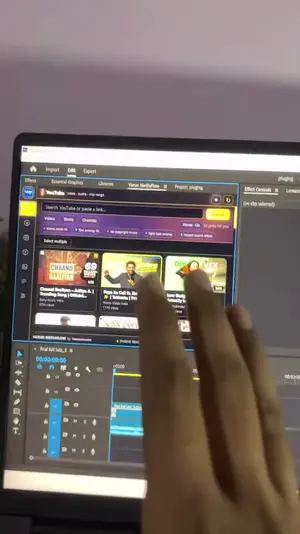





























YOUTUBE DISCOVERY
MEDIA DISCOVERY, BUILT INTO PREMIERE PRO
What your edit needs.
Right on your timeline.
Search it. Preview it. Bring it into Premiere.
One focused workflow for editors who hate leaving the cut.
DESIGNED BY A VIDEO EDITOR
Hours of sourcing.
Cut down to seconds.
MediaFlow removes the tab switching, link copying and file hunting that slows an edit down. Search, preview and bring the useful asset into the active Premiere Pro project—without losing the idea or the time behind it.
VARUN MEDIAFLOWLIVENOT DETOURS.
THE WORKFLOW SHIFT
Stop repeating the same
browser-to-project routine.
THE OLD WAY
- PRLeave Premiere
- WEBOpen browser tabs
- FINDSearch everywhere
- URLCopy the link
- DLUse another downloader
- FILEFind the download
- BINImport to project
- CUTPlace it manually
THE MEDIAFLOW WAY
- ⌕SearchFind the video, audio or visual asset inside the panel.
- ▶PreviewWatch, listen and choose exactly what the edit needs.
- PrBring it into PremiereImport to the project bin or place it directly at the playhead.
SEARCH LESS • EDIT MORE
The internet-sized asset hunt.
One panel away.
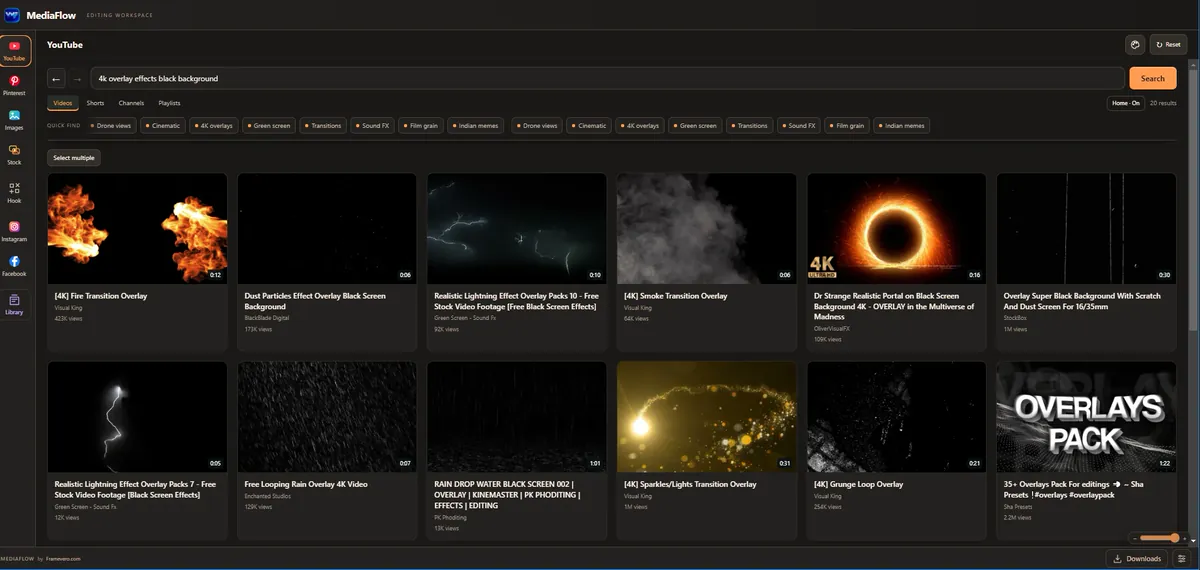
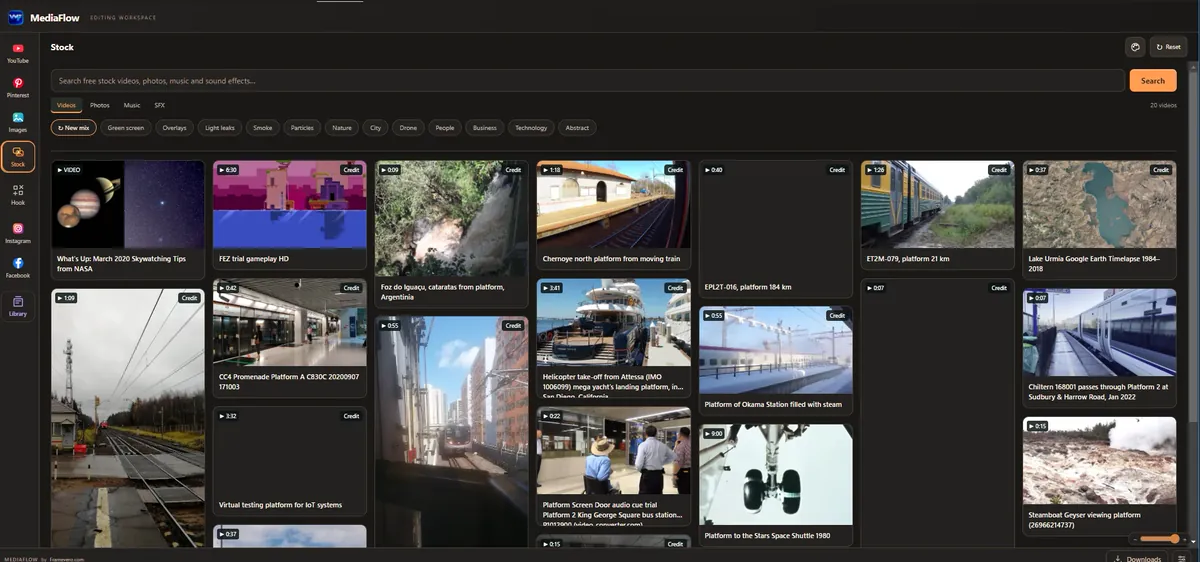
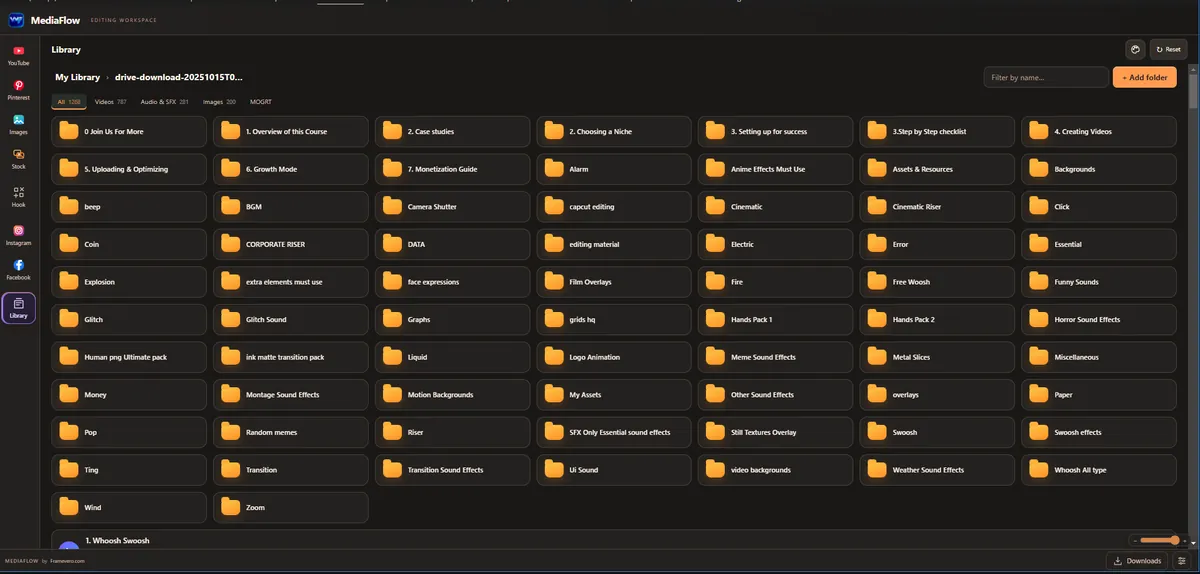
Videos, songs, BGM, sound effects, overlays, B-roll, PNGs and visual references—the things editors already search for, connected to one Premiere Pro workflow.
Search video.
Preview results without leaving Premiere, then choose the format the edit needs—from B-roll and green screen videos to BGM, sound effects and trailer audio.PINTEREST DISCOVERY
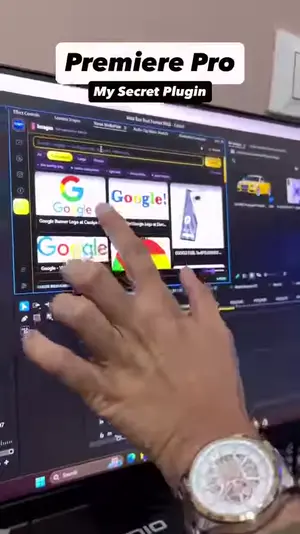
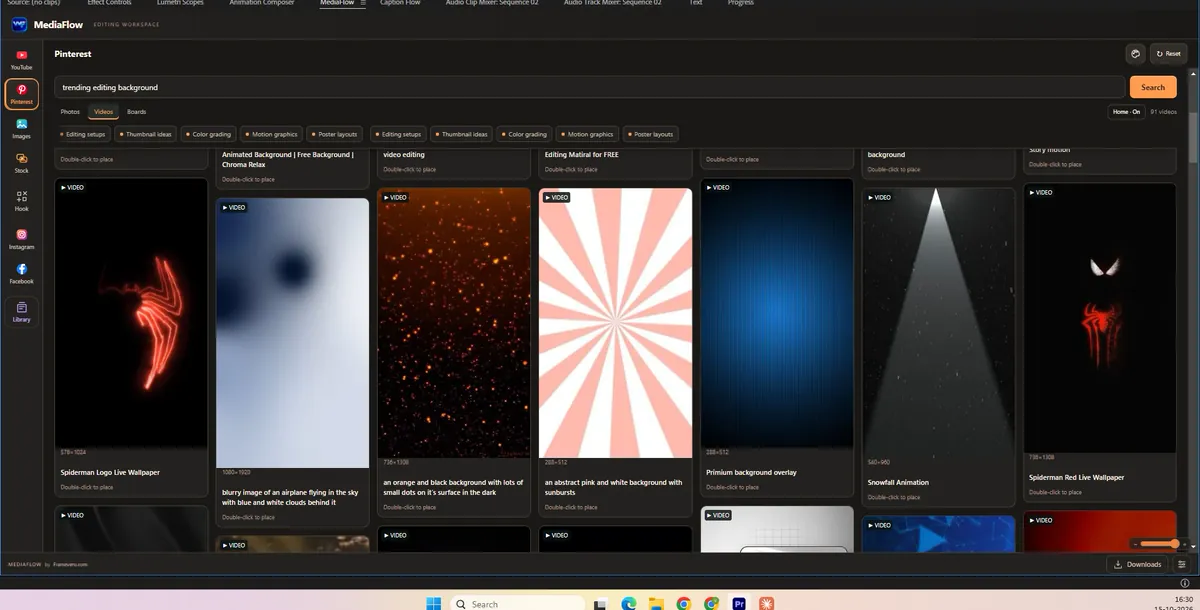
Visual references,
photos and videos.
Search Pinterest inside the panel and bring useful visual material into the active project.PUBLIC LINKS
Reel or Facebook video? Paste the link.
Analyze supported public Instagram and Facebook links, preview the media, then prepare it for the project.PREVIEW FIRST
Watch. Listen.
Choose the useful part.
Stay in context before downloading or importing anything.QUEUE + CONTROL
Video. MP3.
Range. Format.
Collect multiple results and take only what the current edit needs.PROJECT READY
Send it to the bin—or straight to the playhead.
The asset lands in the active Premiere project, ready to use. No Downloads-folder hunt.REAL PRODUCT • FEWER STEPS • MORE EDITING TIME
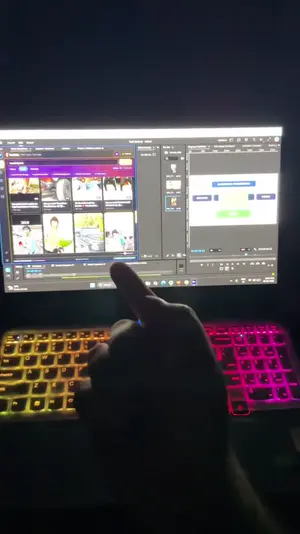
See MediaFlow
inside Premiere Pro.
Watch search, in-panel preview and direct Premiere import happen in one flow—without the usual browser, downloader and Downloads-folder detour.
Ask a question on WhatsApp ↗FOUNDING EDITOR RELEASE
Protect your
editing momentum.
A focused sourcing workflow for Premiere Pro editors.
₹1,499 one-time
- Varun MediaFlow v2
- One-computer activation
- v2.x maintenance updates
- Installation guide
- WhatsApp activation support
THE DETAILS
Before you hit the timeline.
What does MediaFlow bring together?+
YouTube and Pinterest discovery, supported public Instagram and Facebook links, in-panel preview, video or MP3 choices, download queue, Premiere import and optional placement at the playhead.
Where does the downloaded asset go?+
Choose the active Premiere project bin, or insert supported media directly at the current playhead so it is ready in the cut.
Does it include a stock-media license?+
No. MediaFlow is a workflow tool, not a stock library. Use media you own, have permission to use, are licensed to use or are otherwise legally authorized to access.
Is it an official Adobe or platform product?+
No. Varun MediaFlow by FRAMEVERO is an independent third-party product and is not endorsed by Adobe or the referenced media platforms.
How do I order right now?+
Tap Get MediaFlow to message FRAMEVERO on WhatsApp. We will confirm compatibility, payment and delivery details before the order is completed.
TIME SAVED IN SOURCING IS TIME RETURNED TO THE CUT