


Premiere Pro guide · Hindi
Hindi and Hinglish captions in Premiere Pro.
Most Hindi creators write captions in Hinglish, Roman letters with English words left in English. Here is how to get that, or clean हिंदी, inside Premiere Pro.
Premiere Pro's own Speech to Text writes Hindi in Devanagari and has no Hinglish (Roman) output. TextWing detects Hindi speech and writes it as Hinglish, हिंदी or English, keeps English words like “social media” in English, and lets you convert between scripts without losing the timing.
Option 1 · no plugin
Premiere Pro's own Speech to Text
Check that Hindi is in your version's language list, then:
- Window › Text › Transcript › Transcribe sequence, language Hindi.
- Captions tab › Create captions from the transcript.
- Pick a font that has Devanagari letters in the Properties panel.
The captions come out in Devanagari only. For Hinglish you would retype them, and English words spoken inside Hindi sentences get written in Devanagari too.
Option 2 · TextWing
Step by step, on the real panel.
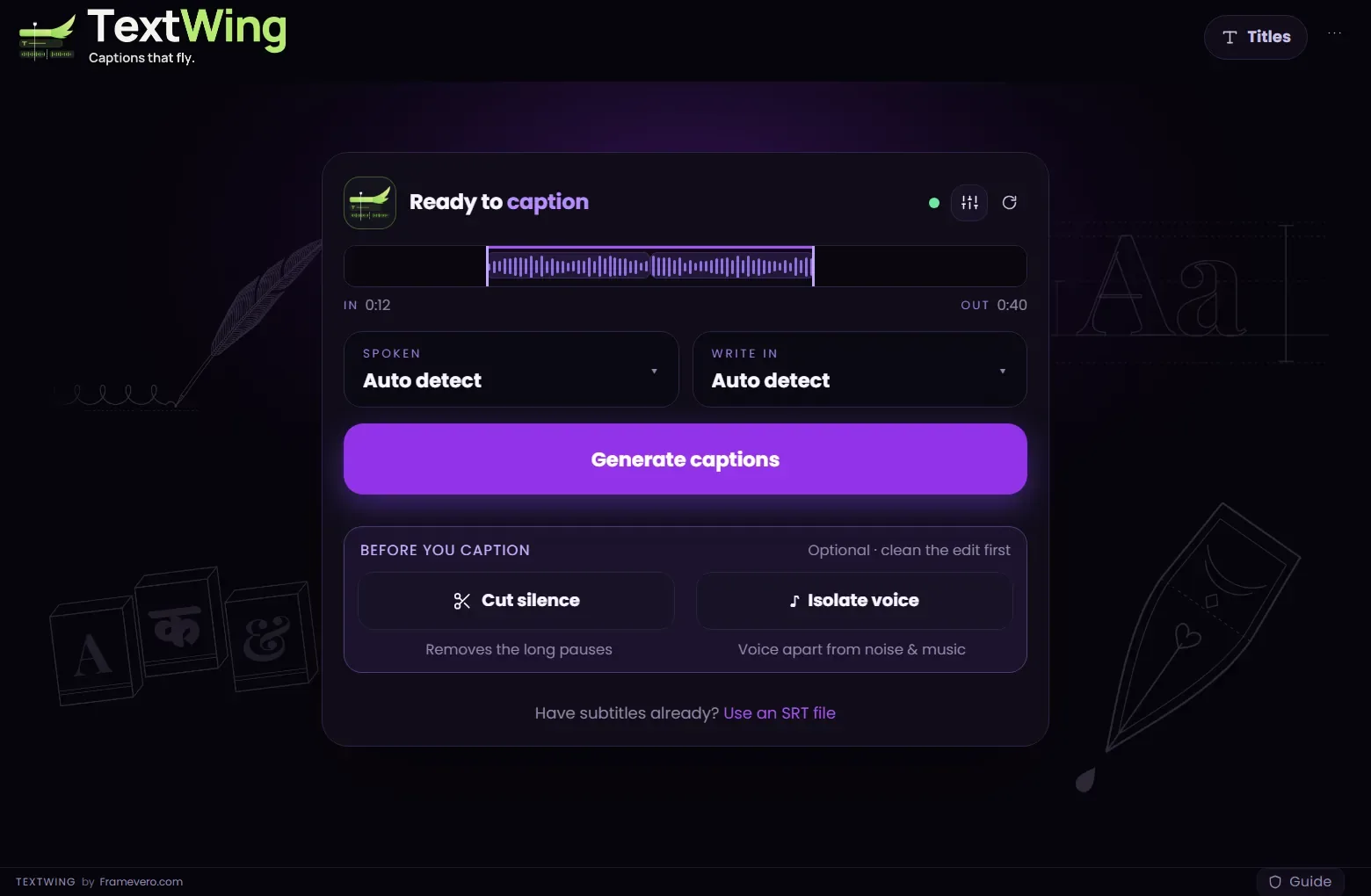
Generate with Spoken on Auto detect
Set In and Out and press Generate captions. TextWing hears Hindi on its own. In India the Hindi & Indian languages pack downloads at first start.
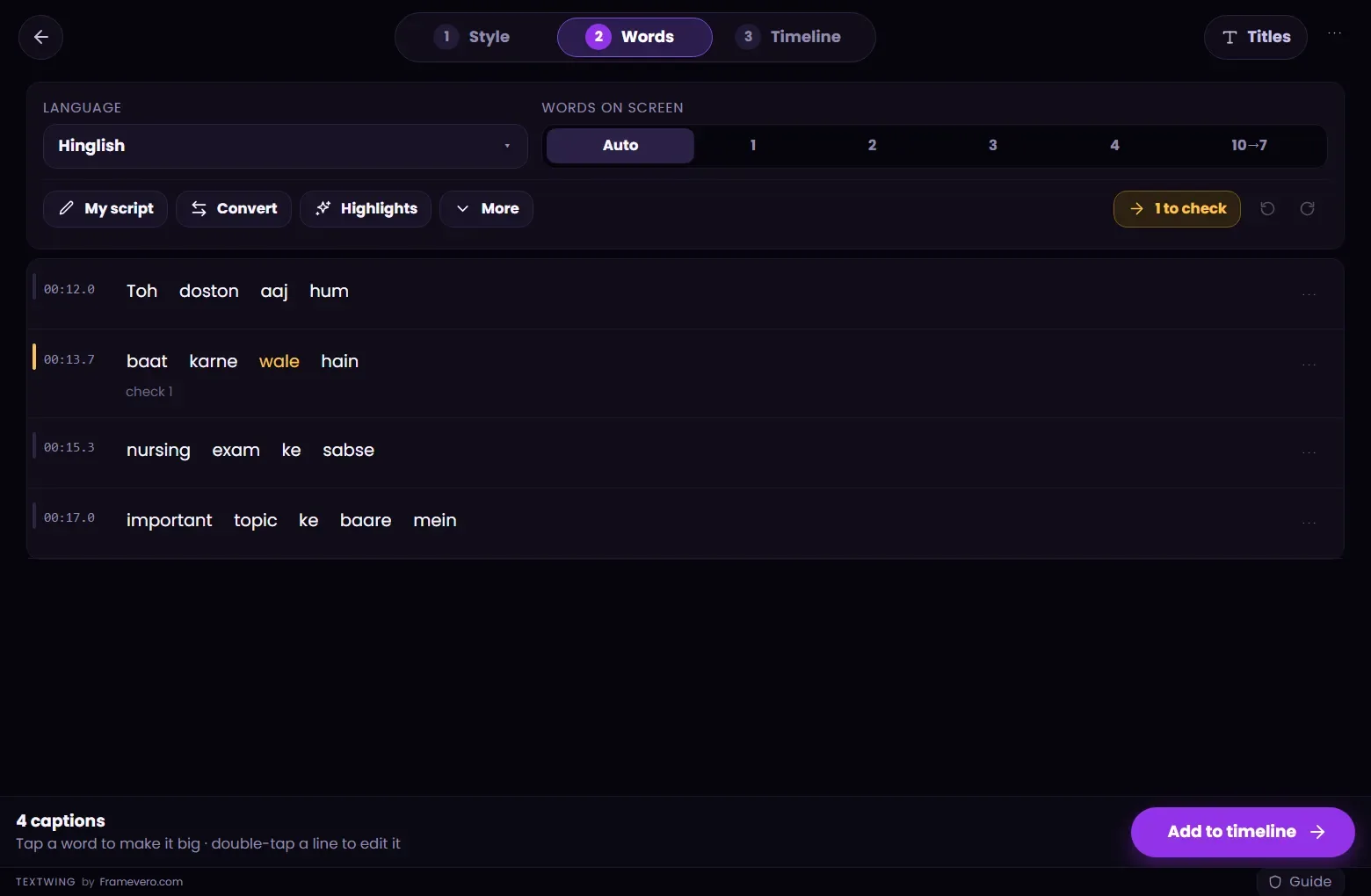
Choose Hinglish, हिंदी or English
On the Words page, the Language menu switches the same captions between Hinglish (Roman letters, English terms stay English), हिंदी (Devanagari) and English (translated from the speech).
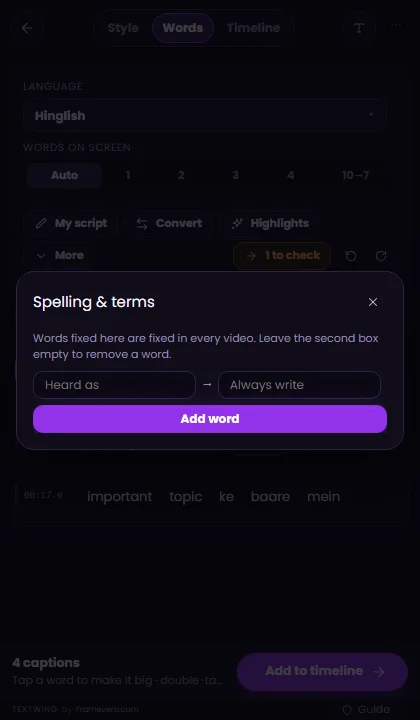
Fix names once
Open More › Spelling & terms and add names or brand words the way you write them. TextWing fixes them in every future video too. Have a script? My script puts your words over the heard ones and keeps the timing.
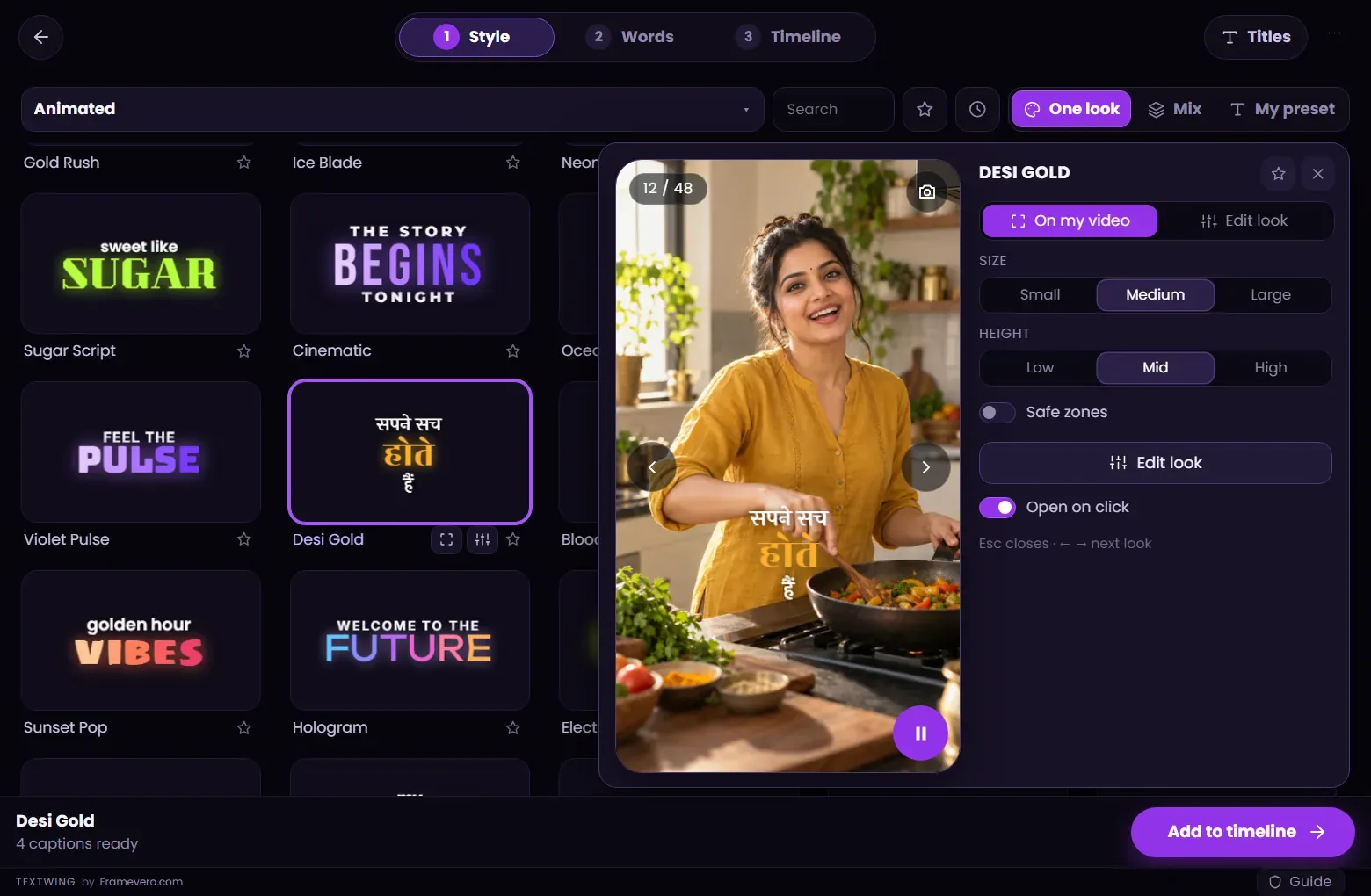
Pick a look made for Hindi
Hindi looks use faces that have every Devanagari letter and matras. Check the look in the Peek on your own frame before placing it.
Add to timeline
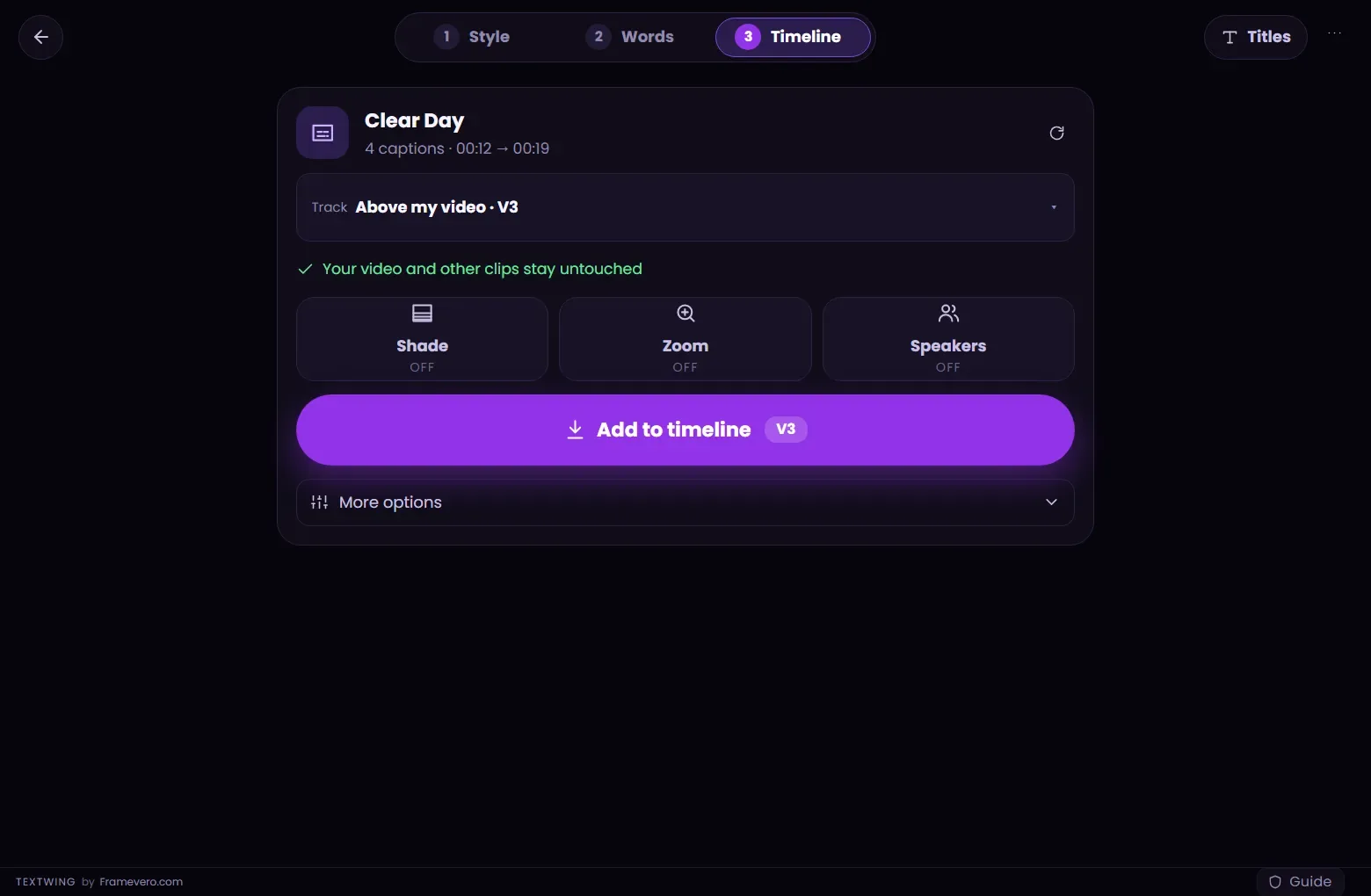
On the Timeline step, check the track (TextWing picks a free one above your video) and press Add to timeline. The captions arrive as native Premiere Pro text layers. If you change the cut later, press Rebuild.


Good to know
Tips from the edit
- Convert (Words page) turns Hinglish into Devanagari, Gujarati, Bengali, Punjabi, Odia, Tamil, Telugu, Kannada or Malayalam script, timing kept.
- Clean up removes fillers like “umm” and stray punctuation in one go.
- TextWing also captions Marathi, Bengali, Tamil, Telugu and the other Indian languages: 22 in all.
Questions
Hinglish or Devanagari: which should I use?
For Reels and Shorts, Hinglish is easier to read for most viewers and keeps English words in English. Use हिंदी for news, devotional or formal content. In TextWing it is one switch, so you can try both.
Will English words stay in English?
Yes. In Hinglish and हिंदी output, English words such as “social media” or “D.Ed” stay in English letters.
Does it need internet?
Only to download the speech models the first time (about 5 GB with Hindi and Indian languages). After that captions are made offline.
Can I get English subtitles from Hindi speech?
Yes. Choose English on the Words page; the translation pack downloads once (about 540 MB).
More guides
Free trial · Windows
Try it on your own video.
Captions made on your PC, placed as native text layers inside Premiere Pro.
3 minutes of captions · 7 days · 9 looks on your timeline · no card